
Junctions, corridors and crossings
Traffic Signal Control
Coordinated signals for less congestion and shorter waits, planned with you.
Shorter waits and shorter queues: traffic signals that respond to what is actually happening at the junction, and work with pedestrian crossings. We scope each project with you. In plain words: smart traffic lights.
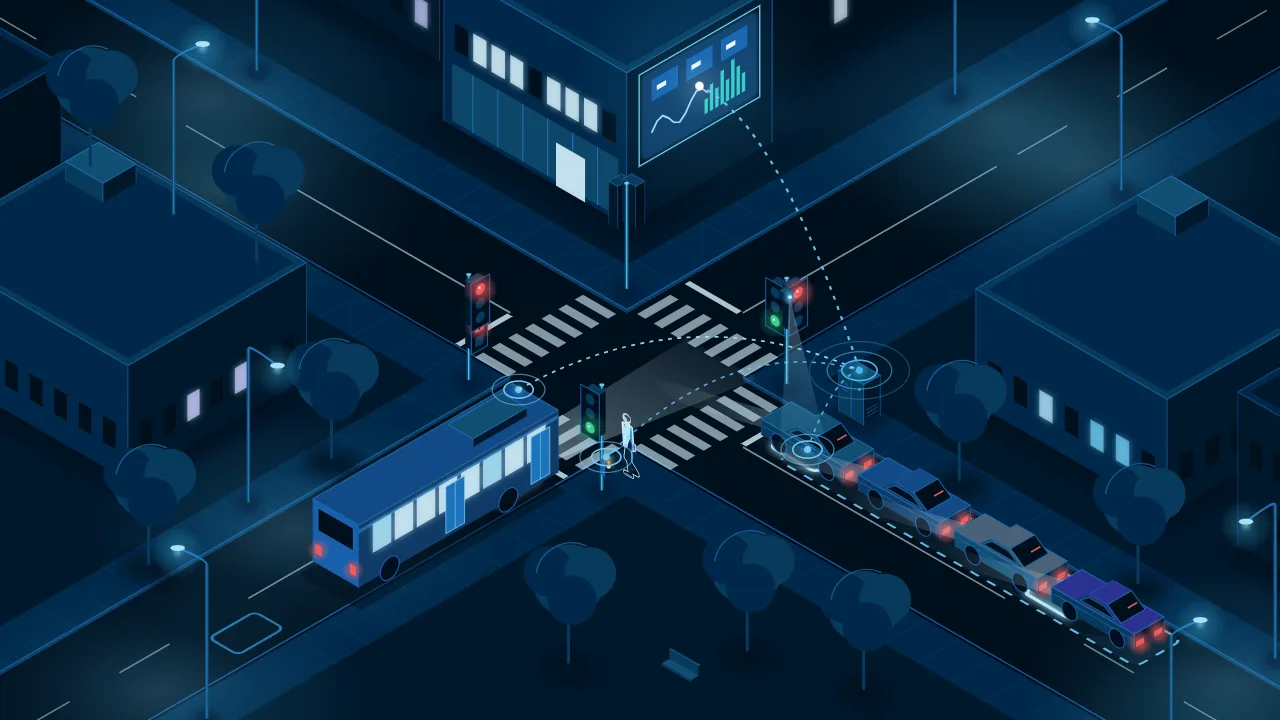
Sensors in the road and on the pole count the cars and see how long each queue is.The control box at the roadside runs the timings and reports every change.A bus or an ambulance asks for green as it approaches the junction.An accessible push button, with an audible cue for blind pedestrians.Counts, phases and alarms can go to the same control screens as our street lighting.
Where it fitsJunctions where waiting costs time, buses and safety
- Busy junctionsWhere queues build at the same times every day.
- Bus corridorsWhere buses lose time at every red light.
- Routes to hospitalsWhere an ambulance should not wait at a red light.
- School zones and crossingsWhere people cross the road next to a junction.
It can run on the same control screens as our street lighting and crossings. Intelligent Street Lighting Intelligent Pedestrian Crossing
The problem
Signal timings that no longer match the traffic
A junction on fixed timings repeats the same plan whatever the traffic does. Drivers queue at a red light while the other road is empty, buses and ambulances wait like everyone else, and nobody sees how the junction performs until someone complains.
- Fixed timings that no longer match the traffic.
- Queues at a red light while the other road is empty.
- Buses and ambulances waiting at red.
- No data on how the junction performs.
Industry context
10%
On average, signals that adapt to the traffic improve travel time by more than 10%.
Where signal timings are badly out of date, the gain can be 50% or more. US federal guidance from the Every Day Counts programme.
Outcomes
What you gain
What signals that respond to traffic are for: shorter waits, buses that keep time, crossings that work for everyone and a junction you can measure.
Shorter waits at the junction
Green time follows the traffic the detectors see, instead of a fixed plan, so fewer drivers wait at a red light in front of an empty road.
Buses and ambulances get through
A bus or an emergency vehicle asks for a green light as it approaches, so it loses less time at the junction.
Crossings that work for everyone
Push buttons with an audible cue for blind pedestrians, and a green man timed with the traffic around it.
A junction you can measure
Traffic counts, signal times and faults on one screen, to plan changes with data and spot a failed sensor early.
Industry context
31.4%
In a US study of 11 corridors with 102 signalised junctions, adaptive signal control made travel times 31.4% more reliable and cut average travel time by 6.4%, or 8.6% at peak hours. The results differ from corridor to corridor, so they are not a promise for any junction.
A morning at one junction
From the first queue to the day’s counts
Seven moments at one junction, shown on illustrations of the junction and its dashboard. Scroll, or pick a moment.
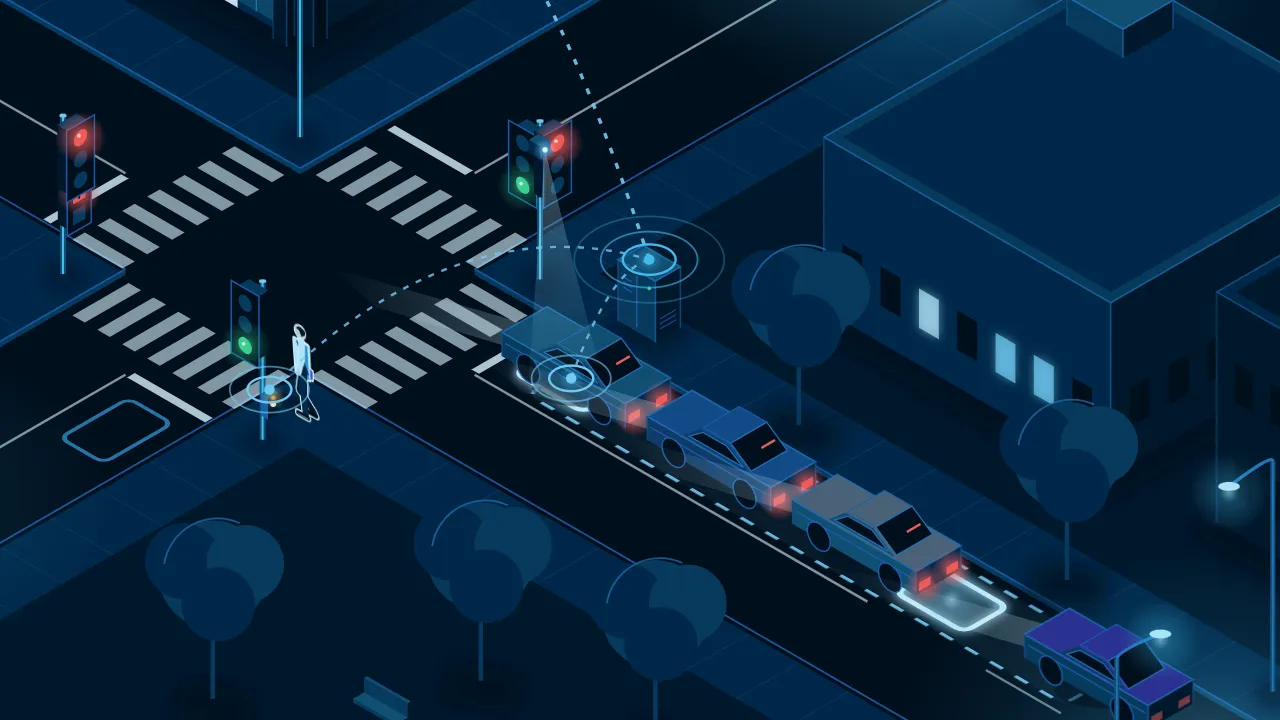
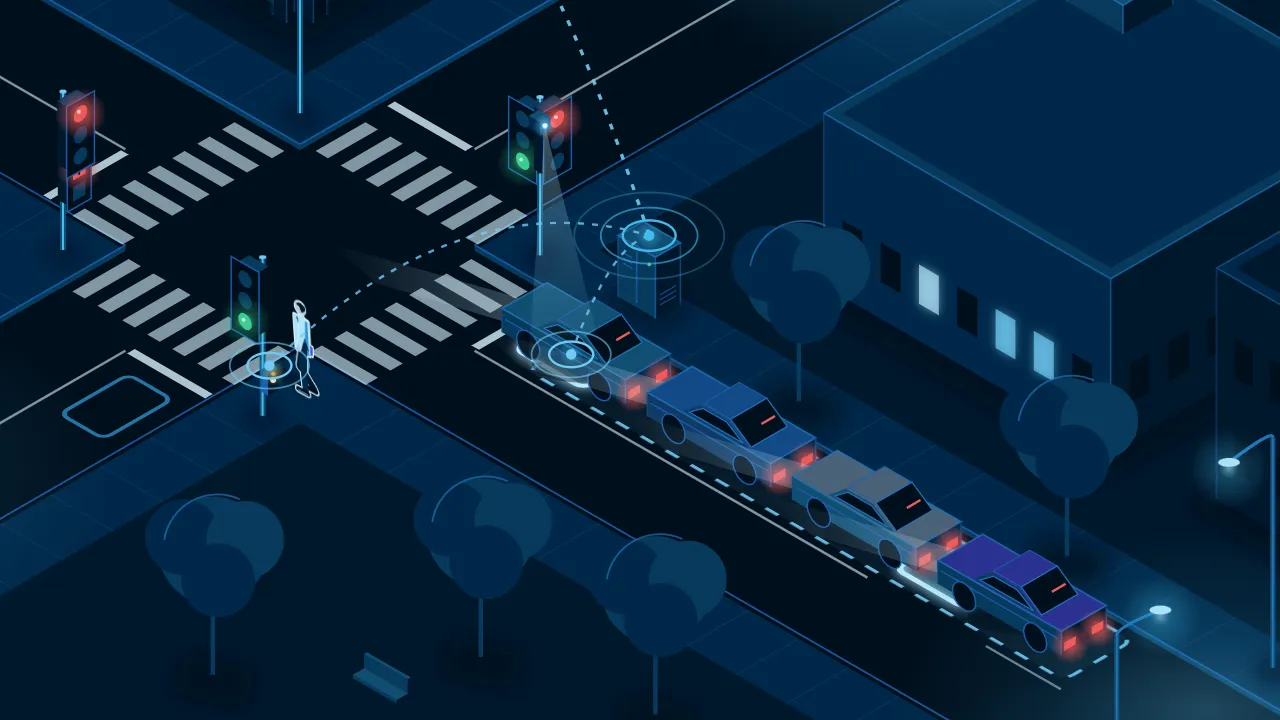
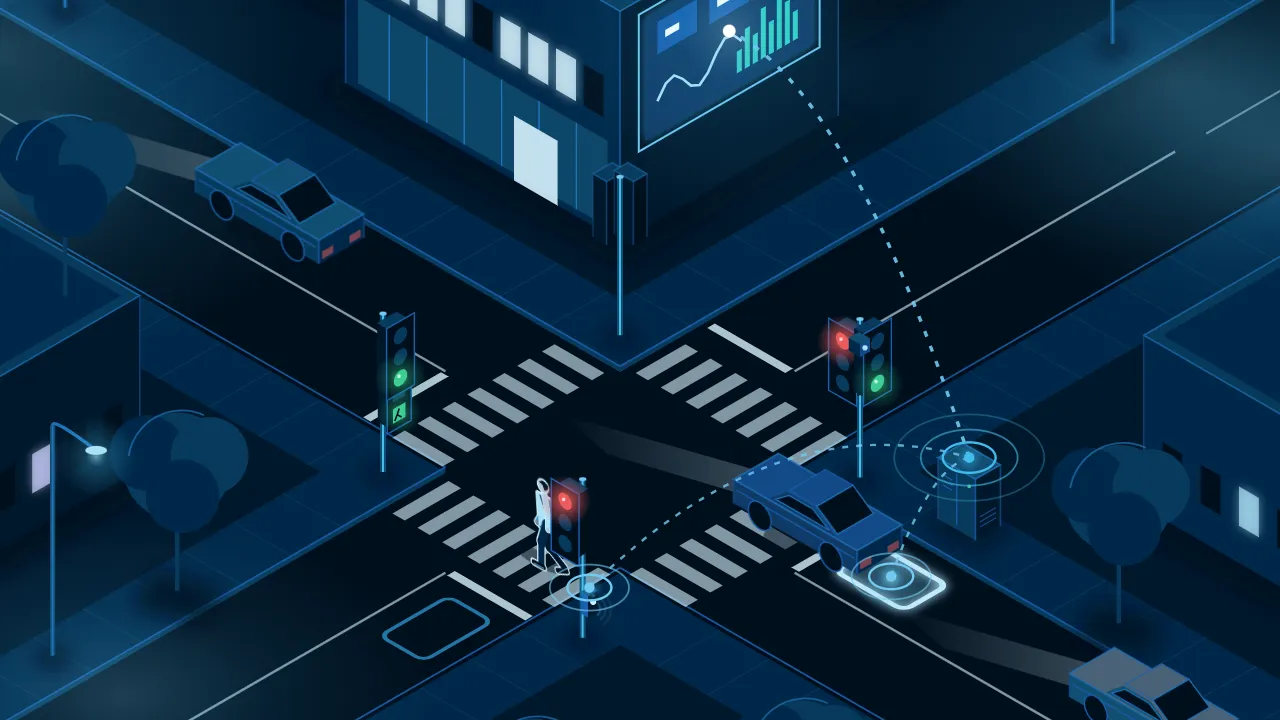
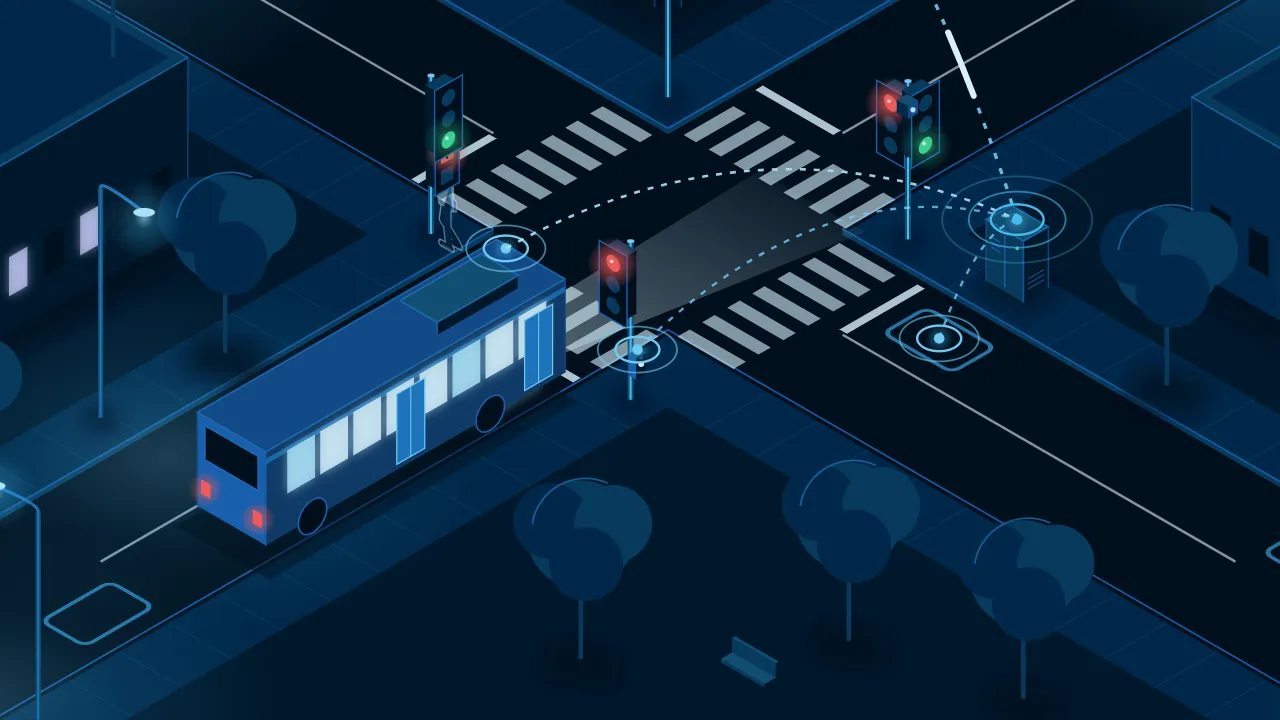
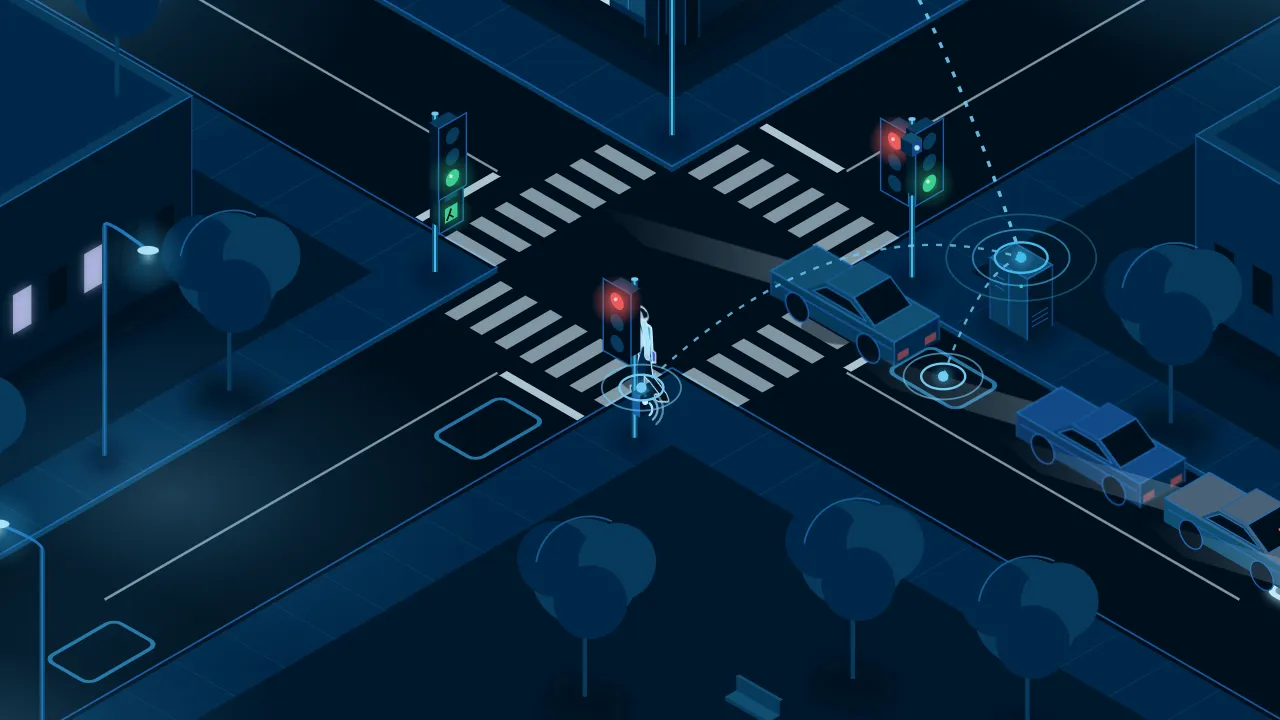
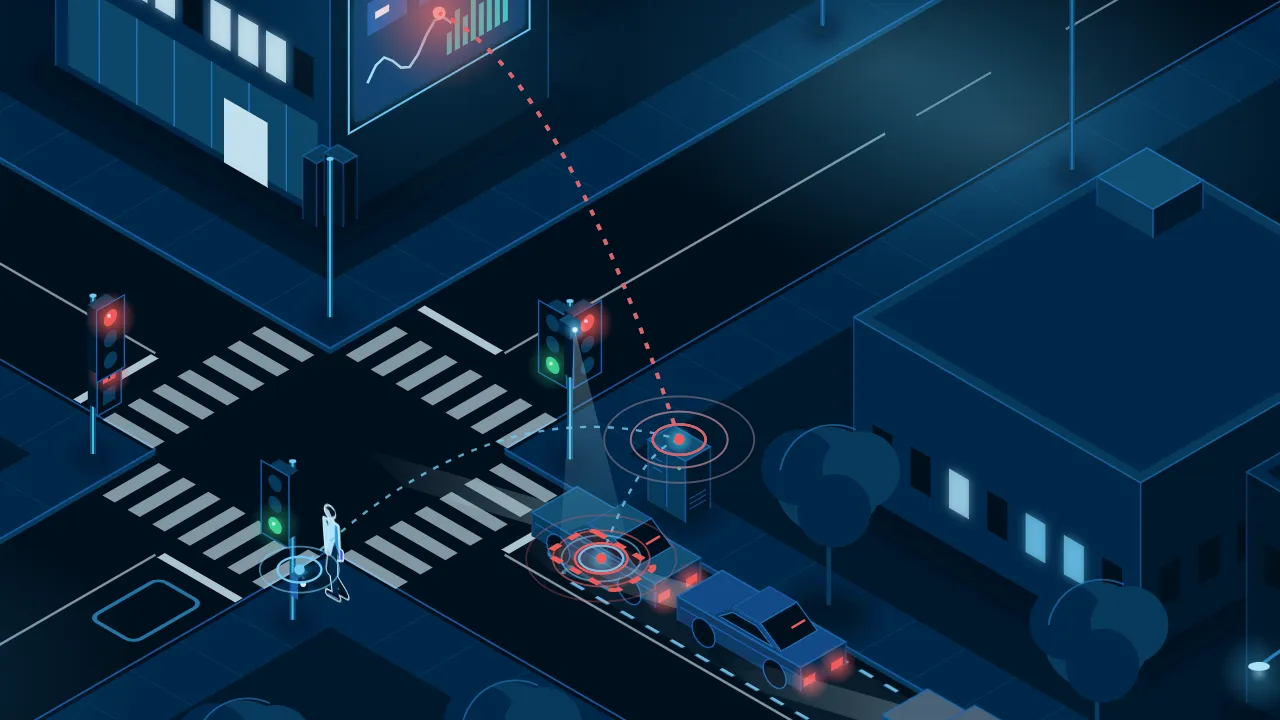
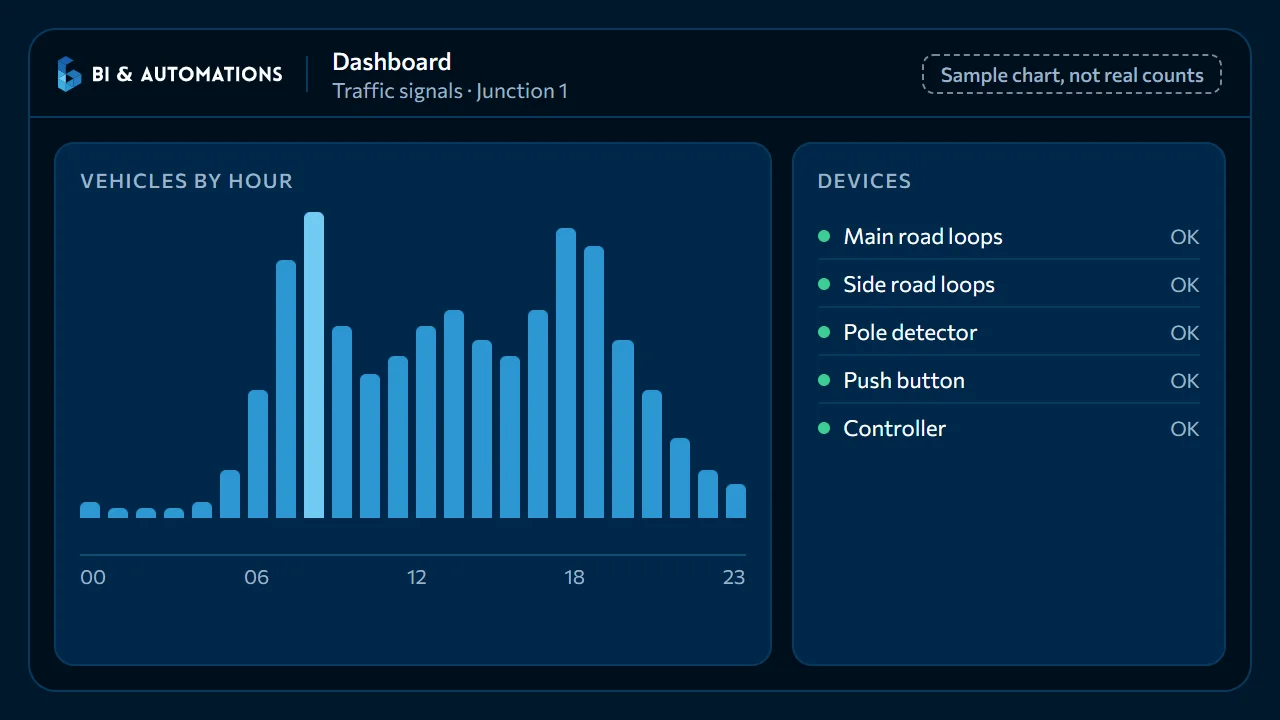
Junction 1 · the main road queueJunction 1 · the detectors at the stop lineJunction 1 · the main road on greenJunction 1 · the bus priority requestJunction 1 · the push button and the audible cueJunction 1 · a detector faultDashboard · vehicles by hour (illustration)
What we automate
Everything a junction needs, on one system
Less waiting for drivers, buses and pedestrians: detection, timing, priority, crossings and data, specified with your technical service.
Vehicle detection
Sensors count the traffic and see how long each queue is.Green where the traffic is
The green light follows the traffic, within limits your engineers set.Priority for buses and ambulances
They get a green light as they approach, so they lose less time.Safe crossing for pedestrians
Push buttons with an audible cue for blind people, and a green man timed with the traffic.Faults reported
A signal or sensor that stops working raises an alarm on the control screen.Counts and reports
Traffic by hour and queue lengths, to plan with data.Linked to crossings and street lighting
One team runs junctions, crossings and street lighting on the same control screens.Works with your signals
With the traffic lights you have, or new ones, agreed with your technical service.
Pedestrian crossings and street lighting are part of the same offer: Intelligent Pedestrian Crossing Intelligent Street Lighting
See it working
A junction on the dashboard, to try
Switch between fixed and adaptive timing, call a bus or a pedestrian, and simulate a detector fault.
What the control screen shows
- The stage Which road has green, and for how long.
- The queues Vehicles waiting at each approach, from the detectors.
- Priority requests Buses and emergency vehicles asking for green.
- Pedestrian requests Push buttons, the green man and the audible cue.
- Alarms A detector or controller that stops working raises an alarm to acknowledge.
There is no real signal control screen to show yet, so this view is a demo.


Dashboard
Traffic signals · Junction 1
Junction 1
Main road and side road · demo clock 07:30:00
Timing
StageMain road green
Time in stage0 s
Main road queue5 vehicles
Side road queue2 vehicles
Bus priorityNone
PedestriansNone
Simulate
Alarms
No open alarms.
Detector faultMain road, stop-line loop · 07:30
AcknowledgedAdaptive timing: the main road keeps its green while the detectors see a queue.
How the demo works. Simple rules, not a real controller: vehicles arrive at random, and time runs twice as fast as real time. Fixed timing gives each road 20 seconds of green. Adaptive keeps the green while the detectors see a queue, from 6 to 40 seconds. A bus or a pedestrian is served at the next safe change, and a detector fault puts its road back on fixed timing. A real junction is timed with your traffic engineers.
Contact
Let’s talk about your junctions
Send us how many junctions you have in mind, where they are and what goes wrong there today. We will reply with how we would plan them with you.
Or write to us