
Streets, squares and ports
Intelligent Lighting Poles
One pole for the light, sensors and more, planned with you
Fewer posts and less clutter on your streets. The lighting poles the city already owns have power and height, so sensors, cameras and signs can go on them instead of on new posts. We plan intelligent pole projects with you, starting from your existing network and its records.

The light on the arm, switched from the same control screens as the street lighting.A sensor reports air quality and noise from the pole.A camera on its own bracket, where the municipality needs one.Wi-Fi or a small mobile-network antenna on top, using the pole’s power and height.A display or lit sign for public information, managed from the same place.A charging socket at the foot of the pole, beside a parking bay.
Where it fitsPlaces where a pole can do more than light the street
- Main streets and squaresBusy public space, where one pole can do several jobs.
- Ports and car parksLarge lit areas, where the poles are already in place.
- School and hospital zonesWhere air quality and safety matter to the people nearby.
- Tourist areasInformation, light and Wi-Fi where visitors gather.
It can run on the same control screens as our street lighting. Intelligent Street Lighting
The problem
Every new device wants its own post
Cameras, sensors, signs and wireless equipment keep arriving in the street. Each one usually brings its own post, its own power feed and its own permit, so pavements fill with clutter. And nobody has one map of what is mounted where.
- A new post, power feed and permit for every device.
- Pavements crowded with separate posts and cabinets.
- No single map of what is mounted on which pole.
Industry context
30 litres
EU rules let mobile networks mount small antennas, called small cells, on “a light pole, a traffic light, a billboard or a bus stop”.
The EU sets out the small wireless access points, up to 30 litres in visible volume, that can be installed on existing street furniture across member states.
Outcomes
What you gain
Four things a city or port gets when its poles do more than light the street: fewer posts, one register, faults that report themselves and room to grow.
Fewer posts on the street
New devices go on the poles you already own, instead of on new posts with their own foundations and power feeds.
One register of every pole
Each pole on the map with its technical sheet and the modules it carries, so your technical service knows what is mounted where.
Faults seen before complaints
A light or a module that stops working raises an alarm on the control screen, with the pole it is on.
Room to grow
Sensors, Wi-Fi, mobile antennas, displays or car charging can be added later, on the same pole and the same control screens.
Industry context
Art. 57
The European Electronic Communications Code gives operators a right of access to “street furniture, such as light poles, street signs, traffic lights”. Small cells that meet the EU rules cannot be made subject to individual town-planning permits, with some exceptions.
One pole, many jobs
From the register to a new device, on one pole
Five moments in the life of one intelligent pole, shown on an illustration. Scroll, or pick a moment.
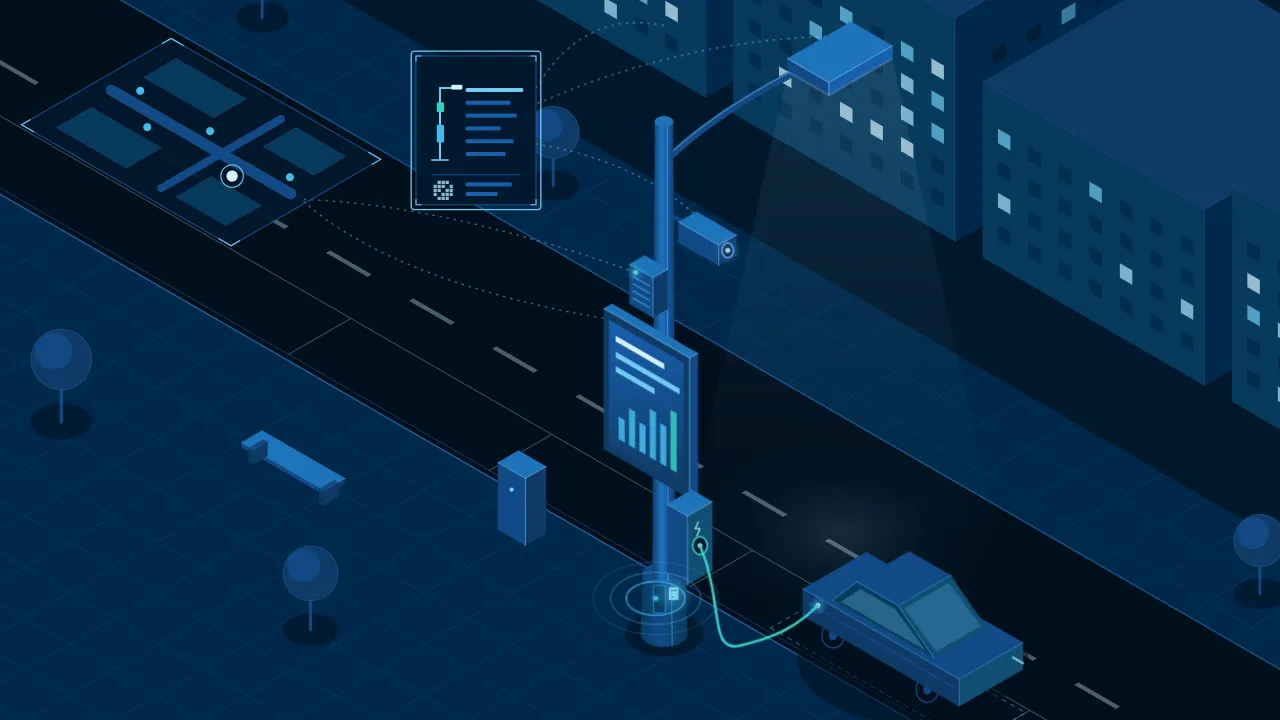
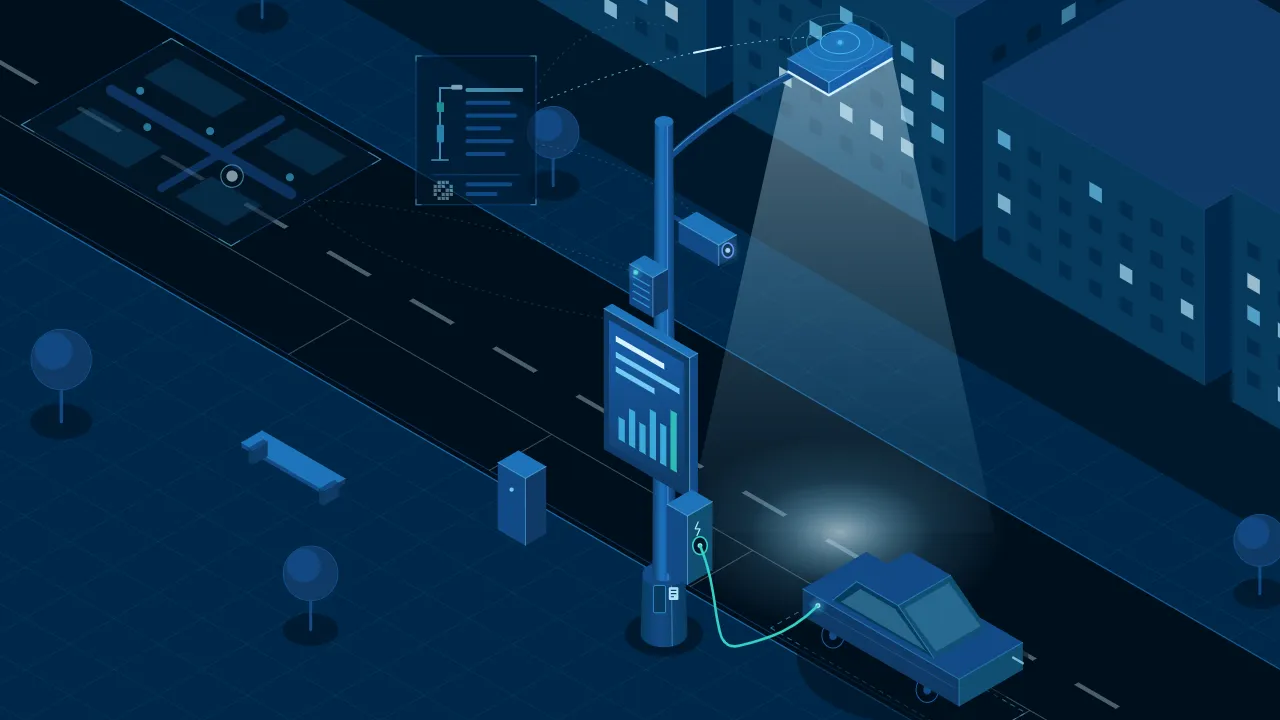
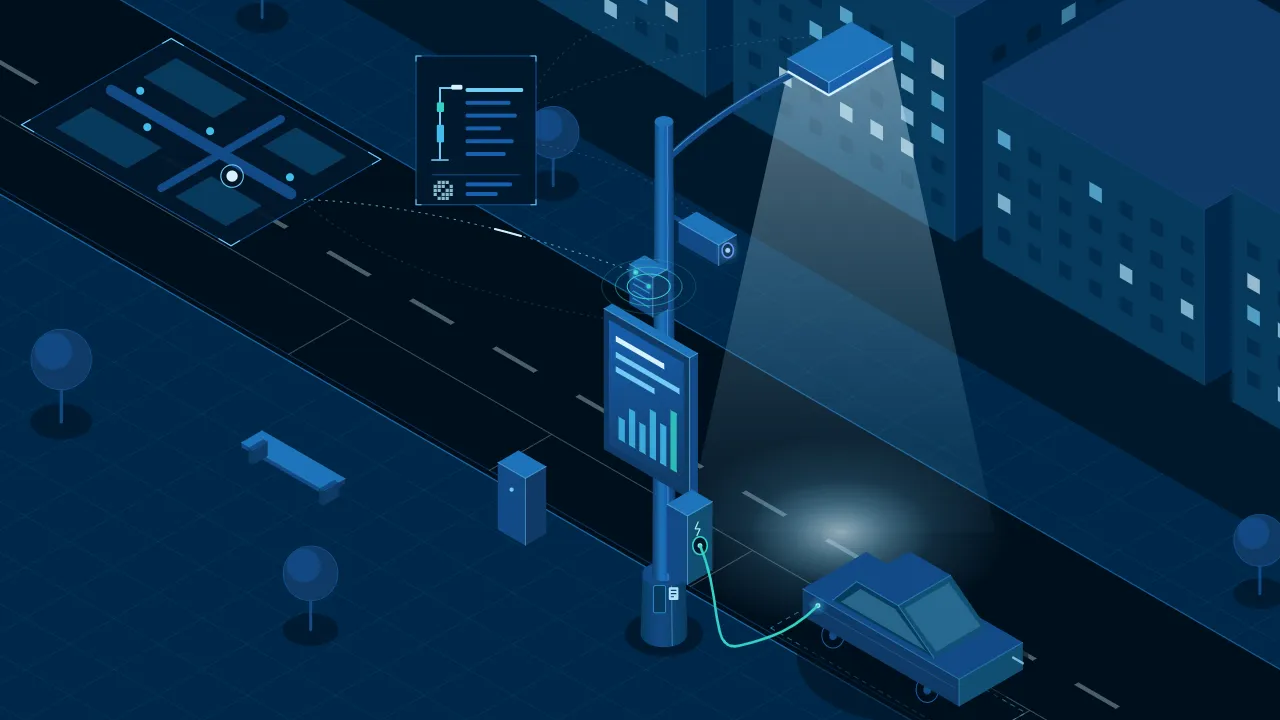
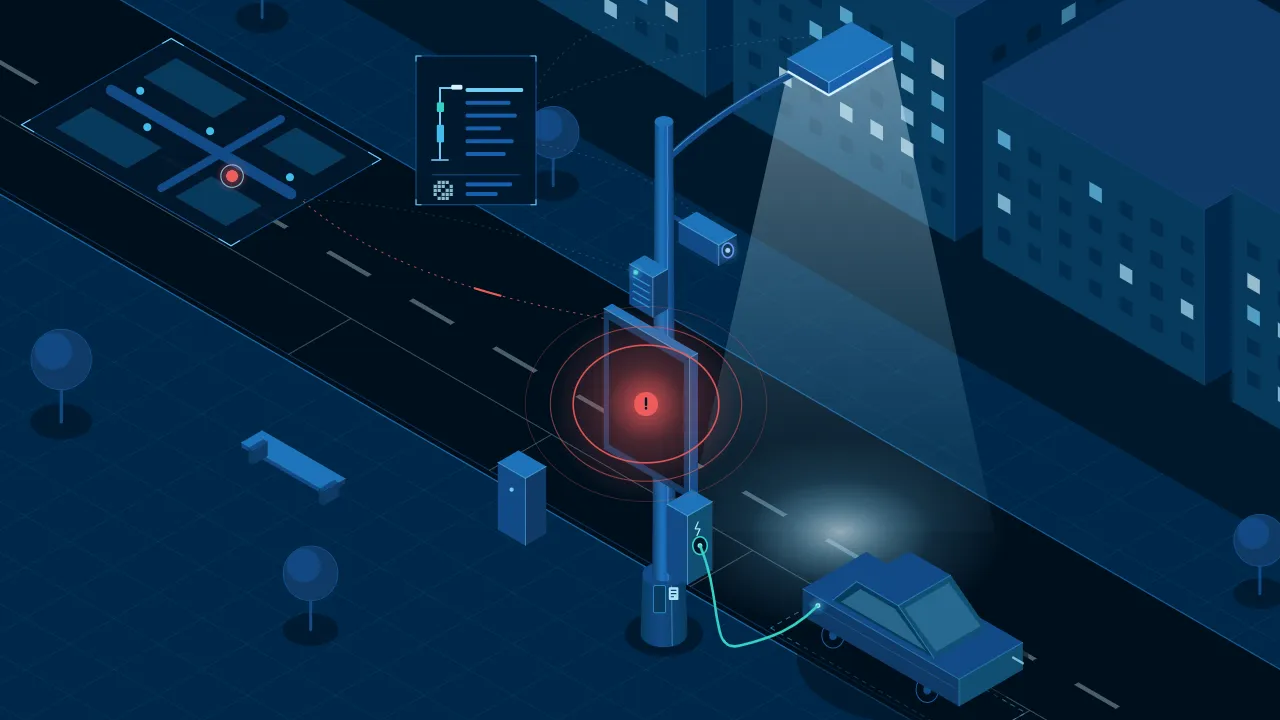
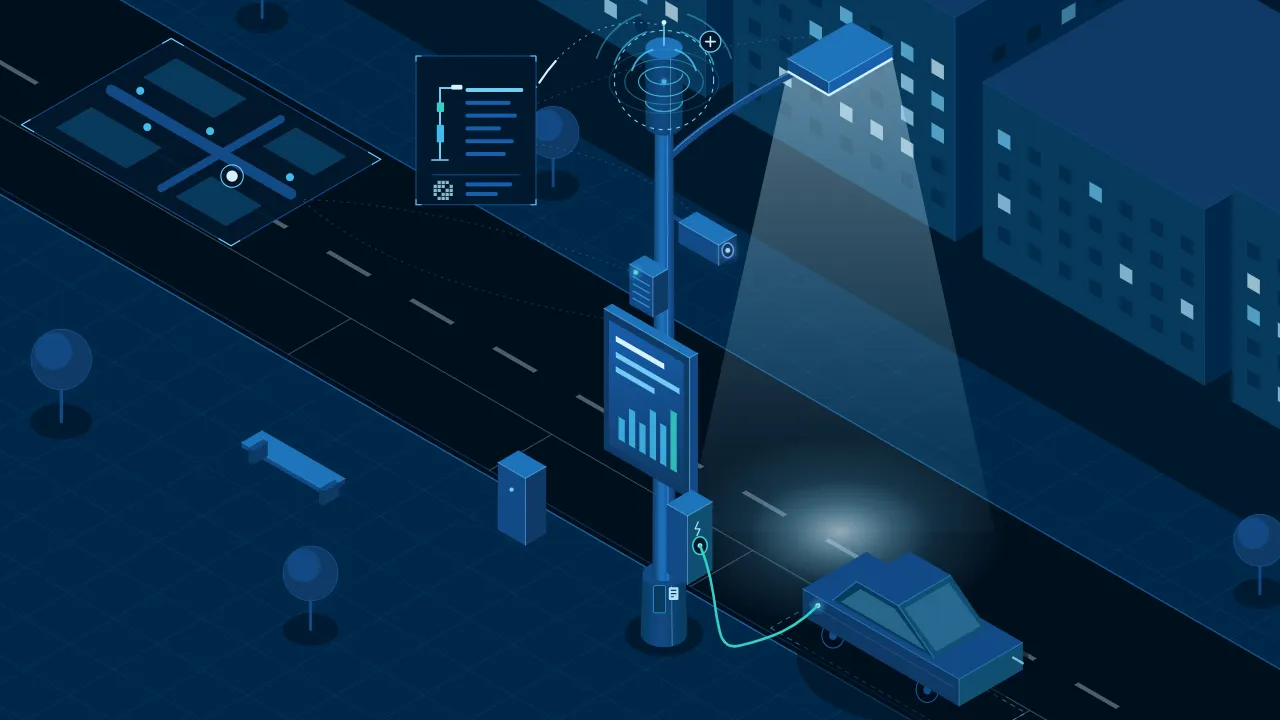
Pole 14 · on the map, with its technical sheetPole 14 · the light on the armPole 14 · the environmental sensorPole 14 · an alarm from one modulePole 14 · a new device on the same pole
What we automate
Everything a pole can carry, on one system
Lighting first, then the modules your streets need, specified with your technical service.
Pole lighting control
Switch the light on each pole, by street or by area, from the control screens.Pole register on the map
Know where every pole is and what it carries, on one map.Air and noise sensors
See air quality and noise street by street.Cameras
Cameras on the pole, where the municipality needs them, on the same network.Wi-Fi and mobile antennas
Public Wi-Fi and mobile antennas, using the pole’s power and height.Car charging
A charging socket at the foot of the pole, where parking allows.Signage and displays
Lit signs or information displays on the pole, managed from the same place.Alarms and status
Each module reports its status, and a fault raises an alarm to acknowledge.
We define what each pole carries with your technical service, the network operators involved and the funding programme’s requirements.
See it working
Real poles on our dashboard, and a street to try
First the lighting poles of a real port, every one on our dashboard map. Then the intelligent poles view of our demo: pick a pole, switch its modules and simulate a fault.
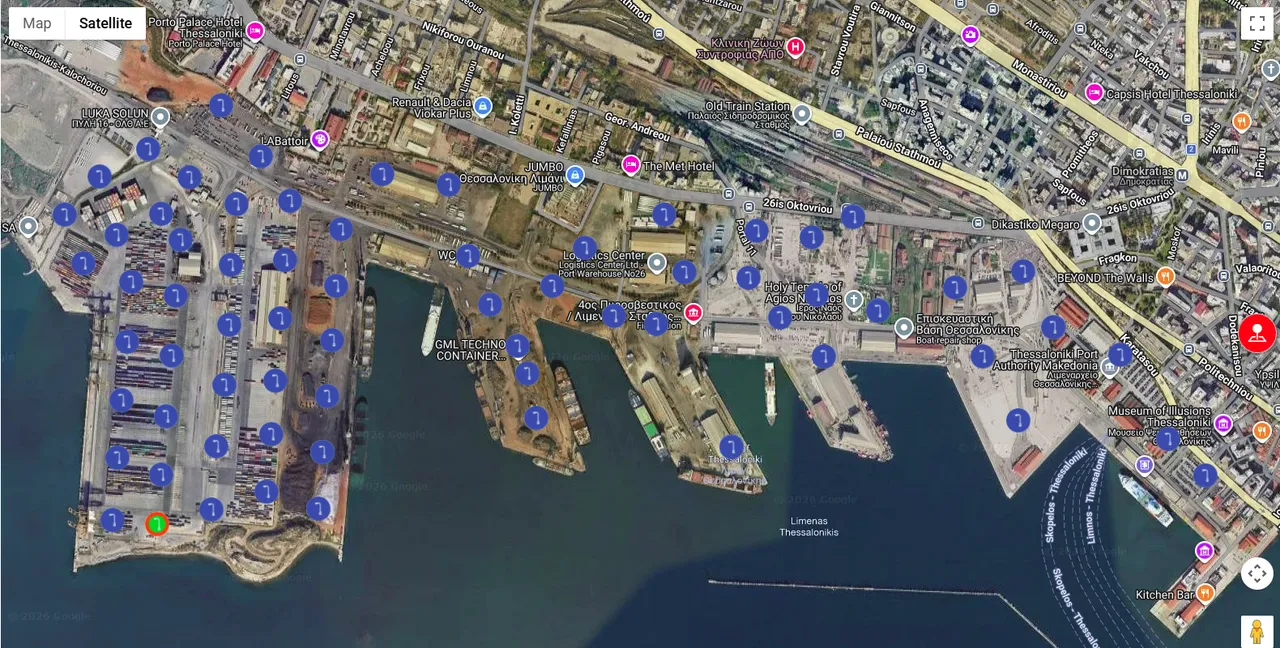
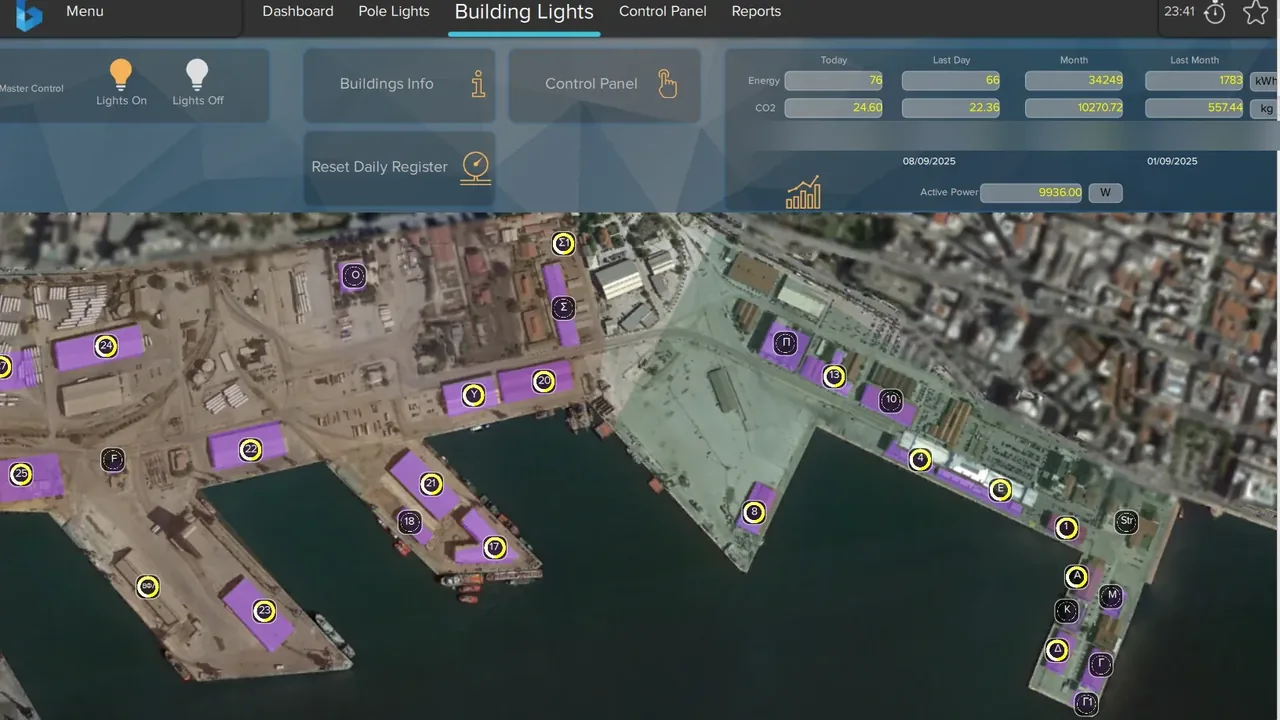
Lighting poles at the Port of Thessaloniki, on our dashboardThe Port of Thessaloniki’s lighting control, on our dashboard
On this screen
Demo · a street of intelligent poles
Pick a pole, switch its modules, then press “Simulate a fault” and acknowledge the alarm. Every value is simulated.


Dashboard
Intelligent poles · Main street
Main street
5 poles · pick one
Pole 14
Main street, by the square
Modules on this pole
Status
OK · reporting normallyFault · not acknowledgedFault · acknowledged
Alarms
No open alarms
Technical sheet
- Pole typeLighting pole
- Height8 m
- Supply pillarPillar 3
What the demo shows
- The poles on a map Each pole with its status: OK or fault.
- Every module on the pole Light, sensor and devices, each on or off.
- Readings Air quality and noise, where a sensor is fitted.
- Alarms A module that stops working raises an alarm to acknowledge.
- The technical sheet Pole type, supply pillar and modules, on file for each pole.
The pole map above is real. The poles below are a demo, with simulated values.
Contact
Let’s talk about your poles
Send us where your poles are, roughly how many there are and what you would like them to carry. We will reply with how we would plan it with you.
Or write to us